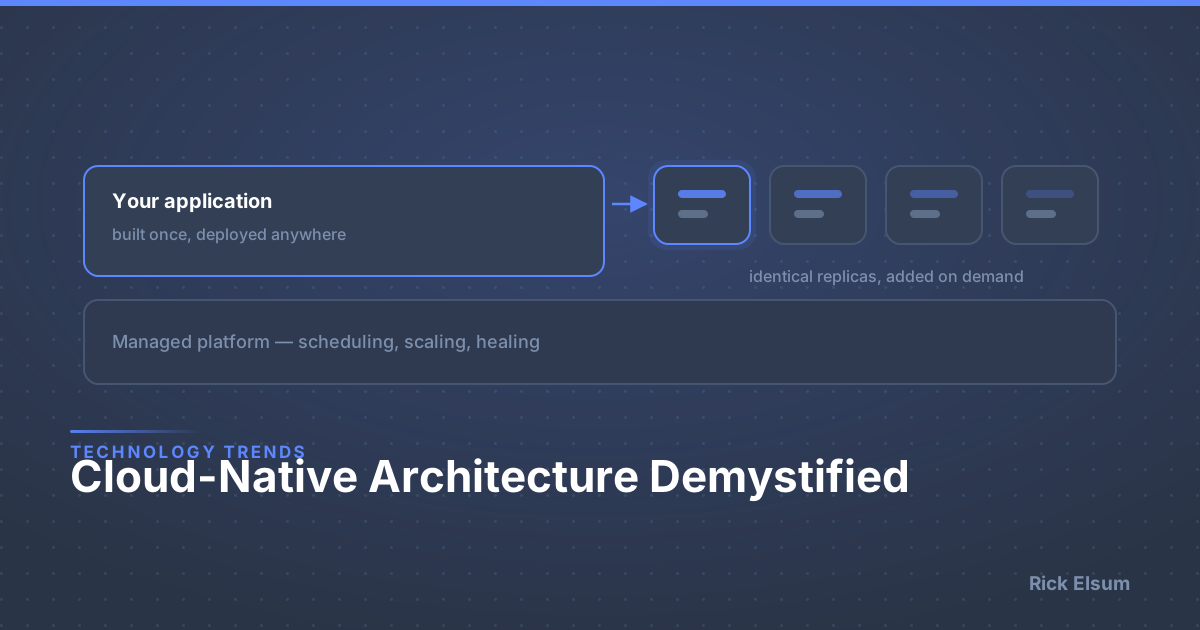
Cloud-Native Architecture Demystified
"Cloud-native" gets thrown around a lot. But what does it actually mean, and why should your business care?
Traditional vs. Cloud-Native: A Real Example
Traditional Architecture (The Old Way)
You built an app that runs on one big server:
- When traffic increases: Server slows down or crashes
- To scale: Buy a bigger server (expensive, slow, causes downtime)
- When something breaks: Entire application goes down
- To update: Take the whole system offline
- Cost: Pay for maximum capacity 24/7, even when you don't need it
Result: Expensive, fragile, slow to change
Cloud-Native Architecture (The New Way)
Your app is built as small, independent services:
- When traffic increases: Automatically spin up more copies
- To scale: Add more small servers in seconds (cheap, fast, zero downtime)
- When something breaks: Only that component fails; rest keeps working
- To update: Update one service at a time, no downtime
- Cost: Pay only for what you actually use
Result: Cheaper, resilient, fast to change
The Core Principles
1. Microservices
Instead of one big application, you have many small services:
Example - E-commerce Platform:
Traditional: One giant application handling everything. Update checkout? Risk breaking search and inventory too.
Cloud-Native: Separate services for user accounts, search, inventory, checkout, payments. Update checkout independently. If payments fail, users can still browse and add to cart.
2. Containers
Services run in isolated "containers" that include everything they need:
Benefits:
- Runs the same everywhere (development, testing, production)
- No "it works on my machine" problems
- Easy to deploy and move around
- Efficient use of server resources
Analogy: Shipping containers made global trade possible by standardizing how goods move. Software containers do the same for applications.
3. Orchestration
Tools like Kubernetes automatically manage your containers:
- Auto-scaling: More traffic? Spin up more containers automatically
- Self-healing: Container crashes? Replace it automatically
- Load balancing: Distribute work across all containers
- Zero-downtime updates: Update containers one at a time
4. DevOps & Automation
Traditional:
- Developers write code
- Operations team deploys it (takes days/weeks)
- Lots of manual work
Cloud-Native:
- Automated testing catches problems before deployment
- Automated deployment happens in minutes
- Automated monitoring alerts to problems immediately
- Automated rollback if something goes wrong
Real Business Benefits
1. Cost Optimization
Traditional hosting: E-commerce site needs 10 servers for Black Friday traffic. Pays for 10 servers year-round. Actual utilization: 10% most of the year.
Cloud-native: Normally runs on 1-2 servers. Automatically scales to 10+ during traffic spikes. Scales back down when traffic normalizes.
Savings: 70-80% on infrastructure costs
2. Reliability
| Traditional | Cloud-Native | |
|---|---|---|
| Server fails | Entire app down | Auto-replaced |
| Database fails | Entire app down | Automatic failover |
| Uptime | 99% (~87 hrs/year down) | 99.99% (~52 min/year down) |
3. Speed of Change
Traditional: 4+ months from idea to production
Cloud-native: 3-4 weeks from idea to production, deployable multiple times per day
4. Global Scale
Deploy to multiple regions simultaneously. Users automatically routed to nearest location. Expand to new regions in hours, not months.
Common Myths Debunked
"Cloud-native means it must run in public cloud"
Wrong. Cloud-native is an architecture pattern, not a hosting requirement. You can run cloud-native applications in public cloud, private cloud, on-premises, or mixed (hybrid). What matters is how it's built, not where it runs.
"Cloud-native is only for huge companies"
Wrong. Cloud-native actually helps smaller companies more: start small and scale as you grow, no massive upfront infrastructure investment, compete with larger companies on reliability.
"It's too complex for our needs"
Cloud-native adds architectural complexity, but that complexity is managed by automation. You get reliability and scalability in return.
When Does Cloud-Native Make Sense?
Good Fit:
- Variable traffic patterns
- Need high reliability (99.9%+ uptime)
- Planning to scale significantly
- Need to deploy updates frequently
- Have global users
- Want to optimize infrastructure costs
Might Be Overkill:
- Simple internal tools with fewer than 100 users
- Completely predictable, unchanging load
- Very tight budget with no room for initial investment
Migration Strategy
You don't have to rebuild everything overnight.
Phase 1: "Lift and Shift"
Move existing applications to cloud/containers as-is. Gain: better deployment, easier scaling. Time: weeks.
Phase 2: "Modernize"
Break monolith into key services. Gain: independent scaling, faster updates. Time: months.
Phase 3: "Cloud-Native"
Full microservices architecture, automated everything. Gain: maximum benefits. Time: quarters.
ROI Example: Trading Platform
Before Cloud-Native:
- Infrastructure: $50K/month (fixed costs)
- Downtime: 4 hours/month, $100K lost revenue
- Deploy once per quarter
After Cloud-Native:
- Infrastructure: $15K/month (auto-scales)
- Downtime: 30 minutes/year, ~$2K lost revenue
- Deploy daily (faster features)
Net savings: $135K/month + faster innovation
The Bottom Line
Cloud-native architecture builds applications that:
- Cost less to run (pay for what you use)
- Stay online (automatic resilience)
- Scale effortlessly (automatic scaling)
- Change faster (independent services)
- Work globally (multi-region deployment)
The question isn't "Should we go cloud-native?" It's "Can we afford not to?"
Want to explore cloud-native architecture for your applications? Let's discuss your needs.